
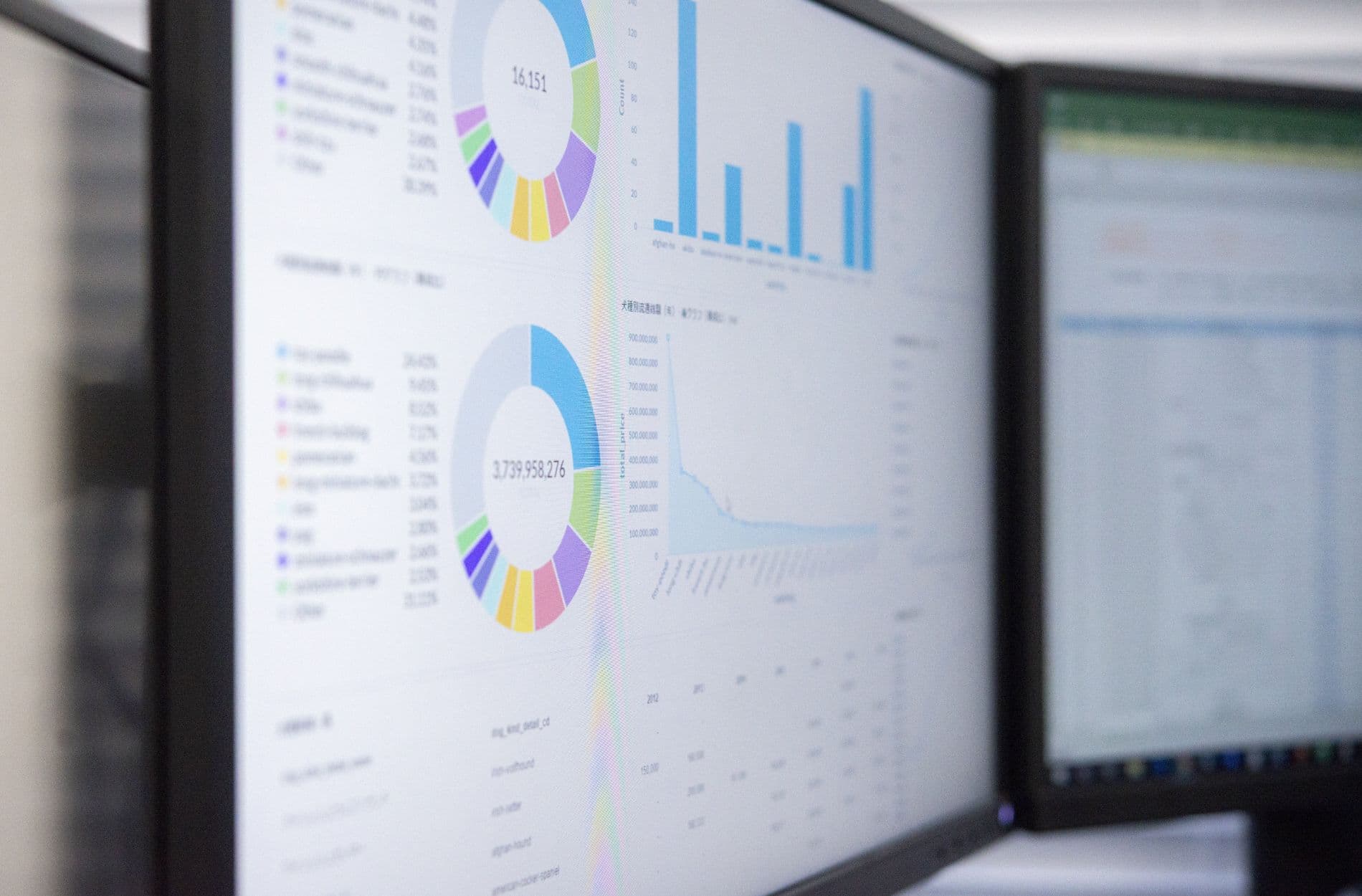
Buying dashboard analytics software is not just about charts and colors. It is about how your people actually work every day, how your data really moves, and what has to happen after someone sees a number on a screen. If those parts stay fuzzy or invisible, even the flashiest dashboard will feel slow, wrong, or ignored.
Here is the simple idea: before you shop for tools this spring, map the hidden workflows behind your reports. When you understand the messy, human steps between data, decisions, and follow-up, you can pick software that fits your real world instead of an ideal one. That is where your dashboards stop being decoration and start driving action.
See the Work Behind the Numbers Before You Buy
Many teams sprint into Q2 trying to fix reporting. Budgets reset, leaders ask for new views before mid-year reviews, and it feels easier to pick a tool than to untangle how work actually gets done. So people compare features, sit through demos, and hope the right dashboard will clean up the chaos.
The problem is simple. Most tools are chosen based on:
- How good the charts look
- A long list of integrations
- Shiny features that sound smart in a slide deck
Very few choices are based on how data really flows across the company or how people actually move work forward.
Underneath every report, there are hidden workflows. These are the manual, messy, and often undocumented steps people take to get numbers ready, align with others, and act on what they see. If those steps do not match how your new software works, the tool will struggle from day one.
When you map workflows first, you are not slowing things down. You are making a smart move that saves you from rework, low adoption, and frustrated teams later. It sets you up to get value faster from any platform, including AI-powered tools that can tie data, teams, and systems together instead of just showing charts.
Why Dashboards Fail When Workflows Stay Hidden
A lot of dashboard analytics software fails not because the tool is bad, but because the work behind it stays hidden.
Here is what we see again and again:
- Misaligned expectations between leaders and teams
- Data that is always a little late or a little off
- Ownership that is scattered across departments
Leaders ask for real-time insight, but teams still copy and paste from spreadsheets, export CSV files by hand, and chase numbers in chat threads. The dashboard becomes a pretty layer pasted on top of broken processes.
Manual handoffs and side-channel approvals, like quick Slack messages or hallway chats, lead to different versions of the truth. Someone fixes a number in one place but not another. Someone updates a shared sheet but forgets the dashboard source. Trust in the data slips.
No single person or group owns the full path from data entry to decision. IT owns systems, finance owns numbers, operations owns execution, and the dashboard reflects those silos, not what is really happening on the ground. So people start their own trackers, notes, and macros that never make it into the official data model.
When this happens, you also miss the best spots to bring in automation. If you cannot see the steps between “number appears” and “action taken”, it is hard to spot the places where a smart platform could remove friction, save time, or kick off the right task automatically.
How to Reveal the Workflows Your Dashboards Must Support
Instead of starting with data sources or tools, start with decisions. What are the 5-to-10 recurring choices that truly matter this quarter? For example:
- Reallocating budget across campaigns
- Adjusting staffing levels on busy weeks
- Shifting focus between accounts or regions
Pick a decision, then trace backwards. Where does each input come from? Who touches it? Which systems are involved?
Spend a day shadowing your power users, like analysts or operations leads, as they prepare weekly or monthly reports. Watch every file they open, every tool they click, and every person they ping for “one more number”. This is where the hidden work shows up.
Then map the last-mile. Once a key number appears on a screen, what happens next? Who interprets it? Who has to approve a change? Is the follow-up done in email, tickets, or meetings? How are tasks tracked so they actually get finished?
Create simple flow diagrams that show:
- Systems used
- Roles involved
- Inputs, decisions, and outputs
- Manual steps and double entry
Try to estimate time spent on each step, where errors pop up the most, and how often work is blocked waiting on data or approvals. Those pain points will become your most important criteria when you compare software.
Turn Workflow Maps Into Smarter Software Criteria
Once your current workflows are visible, you can turn them into real software requirements. Take every painful manual step, like “copy data from CRM into spreadsheet”, and translate it into clear needs, such as “native CRM integration with scheduled syncs and write-back”.
You also want to separate two big ideas:
- Visualization, which shows you what is happening
- Orchestration, which helps move work forward
Many tools are strong at the first and light on the second. Your workflow maps will tell you if you need dashboards alone or dashboards that can also trigger workflows, push tasks into tools your team already uses, and follow through until the work is done.
Look for flexibility instead of rigid templates. If your real processes do not match the canned views in the tool, people will fall back to spreadsheets again. Role-based views and workflow builders help you reflect what is actually happening instead of forcing everyone into a one-size-fits-all layout.
Use your maps to define who needs to see what, who can edit, and who is allowed to approve. That will shape your needs for permissions, audit trails, and simple governance that does not slow people down.
Then draft an “ideal day in the life” story for a key workflow, like a May budget review or a summer campaign tune-up. In that story, include how dashboards show the right signals, how alerts fire when something moves, and how tasks get created and assigned automatically.
Evaluating Dashboard Analytics Software Through a Workflow Lens
When you are ready to look at tools, bring those workflows to every demo. Ask vendors to walk through a real scenario from your map, start to finish, using seasonal use cases like quarterly close or a spring launch. Skip the generic tour and see how the software behaves with your actual flow.
Pay close attention to:
- How it connects to your CRM, ERP, and marketing tools
- Whether it can create tasks or tickets based on metric changes
- How comments, assignments, and approvals live next to the data
Do not get distracted by AI that only sounds fancy. Focus on whether the system can help detect odd patterns, suggest next steps, or propose automations that match the paths you already mapped. That is how AI shifts from buzzword to actual help.
Make sure you can change dashboards, metrics, and workflows as summer priorities shift into fall planning. If every adjustment needs heavy IT work, your dashboards will freeze while your business keeps moving.
From Static Reports to Living Workflows with Analytic
This is where a platform built for orchestration comes in. Once you have mapped your workflows, an AI-powered system like Anlytic can take those diagrams and turn them into living flows that connect data, teams, and systems in one place instead of across scattered tools.
Anlytic is designed not just to show numbers, but to move work. It links data sources, automates multi-step workflows, routes tasks to the right people, and closes the loop from insight to action. Over a focused 30- to 60-day pilot using one high-impact workflow, such as revenue forecasting or campaign-performance, you can see how mapped steps turn into automated, trackable flows.
As you map and automate more workflows in Anlytic, your dashboards grow more accurate and trusted. Adoption goes up because the data is tied directly to what people need to do next. Instead of spending spring and summer chasing numbers from system to system, your teams spend that time acting on clear, timely insight.
Unlock Clearer Insights From Your Data Today
If you are ready to turn scattered reports into a unified, actionable view of your business, we are here to help. Our dashboard analytics software is built to give your team the clarity and control it needs to make confident, data-driven decisions. At Anlytic, we focus on removing friction so you can spend less time chasing numbers and more time acting on them. Start exploring what your data can really tell you and see how quickly better visibility can move your strategy forward.
