
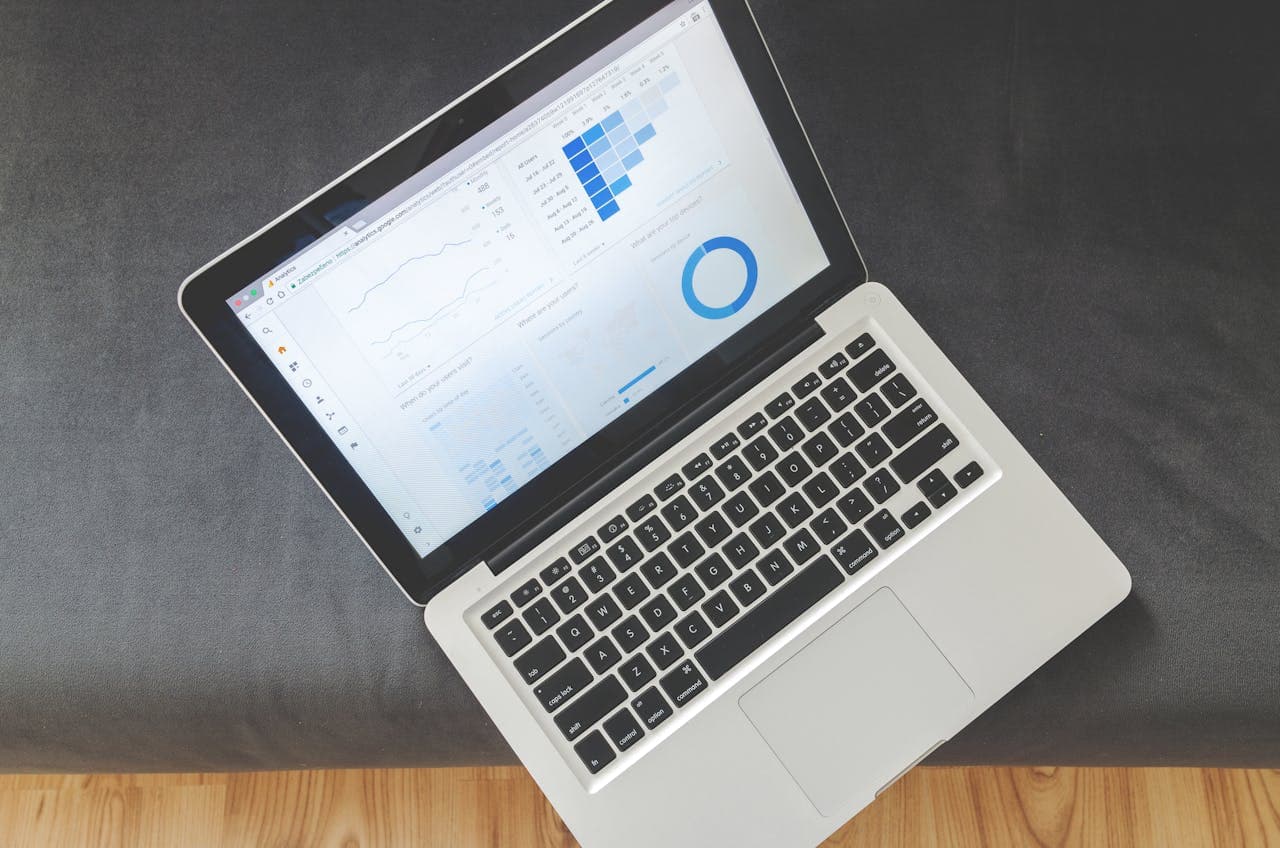
When analytics platform tools are organized well, everything runs more smoothly. Reports load faster, dashboards stay clean, and teams spend less time trying to figure out where things went. But when systems get cluttered or no one knows which tool is doing what, progress slows. It is easy to miss key details or pull numbers that do not line up.
Heading into Q4, most people are juggling planning, catch-up, and year-end goals at once. Getting analytics platform tools in order now can take a lot of pressure off later. By making a few smart updates now, we set ourselves up to work faster and decide with more confidence through the rest of the calendar year.
Group Tools by Function, Not Team
Organizing tools by team can make sense at first, but it often leads to overlap. One team may have its own reporting tool, while another uses something different to answer similar questions. Over time, this adds clutter. A cleaner approach is to sort tools by what they do instead of who uses them.
For example, you might have some tools for reporting and dashboards, others for forecasting and planning, and some for ETL or data cleanup. When you group these tools into
- Reporting and dashboards
- Forecasting and planning
- ETL and data cleanup
it is easier for everyone to find what they need and avoid duplicates. Sales and marketing often share use cases, so putting reporting tools in one place helps both and stops extra purchases or confusion.
New hires learn the system faster, too. When tool functions are grouped clearly, people spend less time guessing which login, tab, or app to use. This saves time and keeps everyone working from the right data.
Keep Dashboards Simple and Easy to Use
Dashboards are supposed to help teams decide faster. But when they are packed with tabs, extra charts, or confusing labels, they quickly become a chore.
Keeping them simple does not mean cutting everything out. It means making sure each one shows what matters most to the person using it. If a view is not helpful often, it likely should not be front and center.
Some features of clean dashboards include
- Clear, everyday labels
- Only the charts or KPIs that team members actually use
- Favorite views or often-used settings saved for quick access
For example, a support team should see ticket times and trends, while sales gets a quick look at lead flow or revenue. Each dashboard should let you get in, grab what you need, and act—no wandering past dozens of unrelated charts.
With Anlytic, customizable roles and filtering let teams focus only on their key data, keeping dashboards intuitive for everyone.
Use Alerts and Auto-Updates to Cut Down on Busywork
Refreshing screens or opening multiple tools just to check if numbers have changed is a waste of time. Real-time alerts and auto-updates solve this, making it easier to catch issues before they get bigger.
Performance will shift sometimes. You might see a dip in conversion rates or a spike in support tickets out of nowhere. A smart alert will flag this right away. Then, you do not have to keep checking manually—just respond when something changes.
Some teams need real-time sales alerts. Others want to know only when traffic takes a sharp turn. Analytics platform tools can set this up, so you know what is happening as soon as it matters.
The trick is to set alerts and automations where they actually help. With the right setup, teams spend more time solving problems and less time watching screens. Anlytic’s tools offer automated anomaly detection, surfacing sudden changes and sending notifications to the right people in real time.
Create a Checklist for Monthly Platform Reviews
Even the cleanest setup gets messy if it sits. A monthly maintenance routine keeps analytics tools organized and current, which helps avoid breakdowns during busy windows.
Try a monthly checklist like this:
1. Remove unused tools or dashboards
2. Review user roles and permissions to match the latest team structure
3. Clean up dashboard names and refresh stale labels
4. Make sure main data sources are still pulling correctly
5. Revisit automation and alert setups to fit current goals
This is a quick list, but it keeps clutter low, permissions current, and everyone on the right page. Regular upkeep fits into a slow week or can be the first step of the month—making bigger issues much less likely.
Stay Ready for Year-End Without Scrambling
Now is the perfect time to tidy up analytics platform tools before things get hectic. You do not need a full overhaul, just a smart rethink about how tools, dashboards, and alerts are structured.
With everything organized and simple to use, teams can jump into decisions faster, without wondering if they have the right data. Dashboards load quickly, alerts catch the small stuff before it grows, and reports do not get mixed up.
When everyone is working from a clean setup, the push to year-end feels lighter. Smart routines mean fewer surprises and a better shot at stress-free reporting, all while keeping your analytics platform tools working at their best.
If organizing data has been slowing your team down, now’s a good time to rethink how everything is set up. We’ve seen how a few changes like clearer dashboards, grouped tools, and smart alerts can make a real impact. When different teams rely on the same systems, everything stays cleaner and more consistent when the setup makes sense. To see how your business could benefit from better use of analytics platform tools, contact Anlytic today.
